Input Types
[notation]
Accepts ranges or multiple specific frames
[int-int]
Ranges, right-hand limit to left-hand limit
[int, int]
A normal integer (except negative values)
[bool]
Boolean, Only accepts 2 values
true
Self-explanatory, if you want something to turn on
false
Self-explanatory, if you want to disable something
[float]
An integer with decimal values
0.9
0.9 is considered as float since it has decimal point
[url]
A URL directs to an image, accepts only imagebb and imgur
https://ibb.co/<id>
https://imgur.com/a/<id>
Full url of the image
ibb:<id>
imgur:<id>
Shorthand version of URL, Recommended to avoid mentioning a link that causes spams
[fltr]
Takes arguments and apply it to the image to append
All filters/arguments are allowed, theres append specific flags that works only here.
Possible Inputs: stick, overlay, default
The ratio is automatically adjusted, provide at least one value
Rotate the image in specific angle
--rotate flopFlop the image
See the [gvty] input type, This option position the image in the coordinates provided, also accepts negative coordinates
Append the image on top, instead of being below by default
[id]
A unique id assigned to a specific job/request
kitan_<uid>
Found on the comment/reply of the BOT
[atype]
Append type used to specify what's going to happen in the image you want to append
stick
The image is going to be placed beside the original image
overlay
The image is going to be overlayed
default
default behavour of it, it is going to be placed below on the original image
[gvty]
Change the Gravity Hint of the image
northwest, north, northeast, west, center, east, southwest, south, southeast
Command Types
- !dl Download command
- !range Range-based command (not yet available)
- !req [id] Request command using unique random ID, to be posted on page when moderation accepted the request.
Required Arguments
-s | --season Season Number
Specifies the season.
[int]
Only takes integer as input, supports zero-padding (e.g 07)
-e | --episode Episode Number
Specifies the episode.
[int]
Only takes integer as input, supports zero-padding (e.g 07)
-f | --frame Frame Number
Specifies the frame number.
[int] ([notation] for !range only)
Takes integer on !dl and notations on !range
Possible Arguments (!req)
-n | --name Name of your Submission
Defaults to "Anon"
-cp | --caption Caption of your Post
Captions your submissions.
Possible Arguments (!dl)
-t | --top-text Top Text
Sample Output:
!dl -e 8 -f 3544 -t "Hello💀🔥"
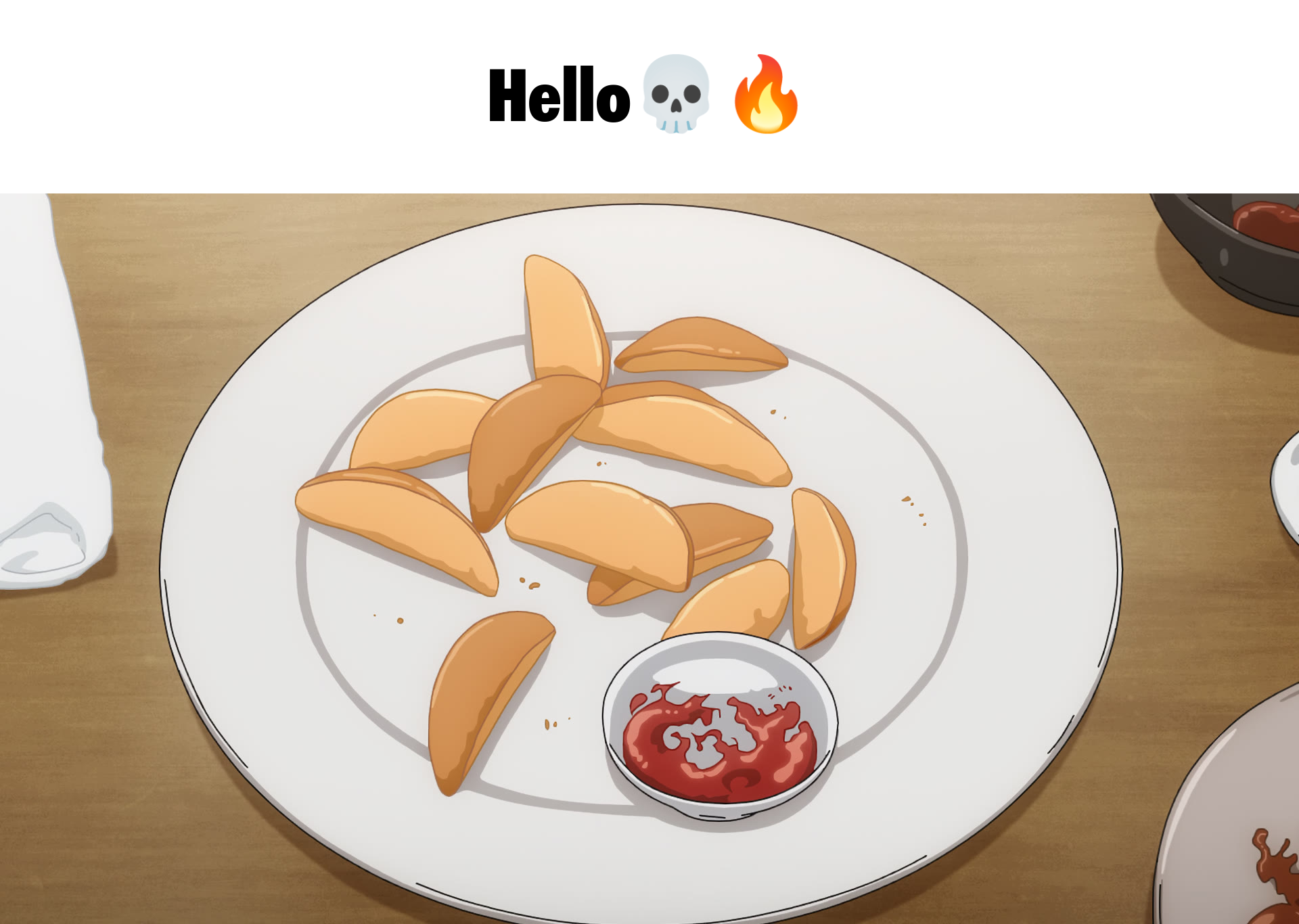
Add text to the top of the image. (Supports emoji)
[str]
Supports text and emoji (supports limited special formatting)
-
{n}: new-line character -
{q}: quotation character -
%bg:#FFFFFF%: specify color of background in hex -
%textcolor:#FFFFFF%: specify color of text in hex -
%font:font%: available fonts (ace, upr, fts, default)
--crop Image Cropping
Crop the image using different methods.
Sample Output:
!dl -e 7 -f 4756 --crop [x1:130,x2:950,y1:100,y2:950,cw:30]
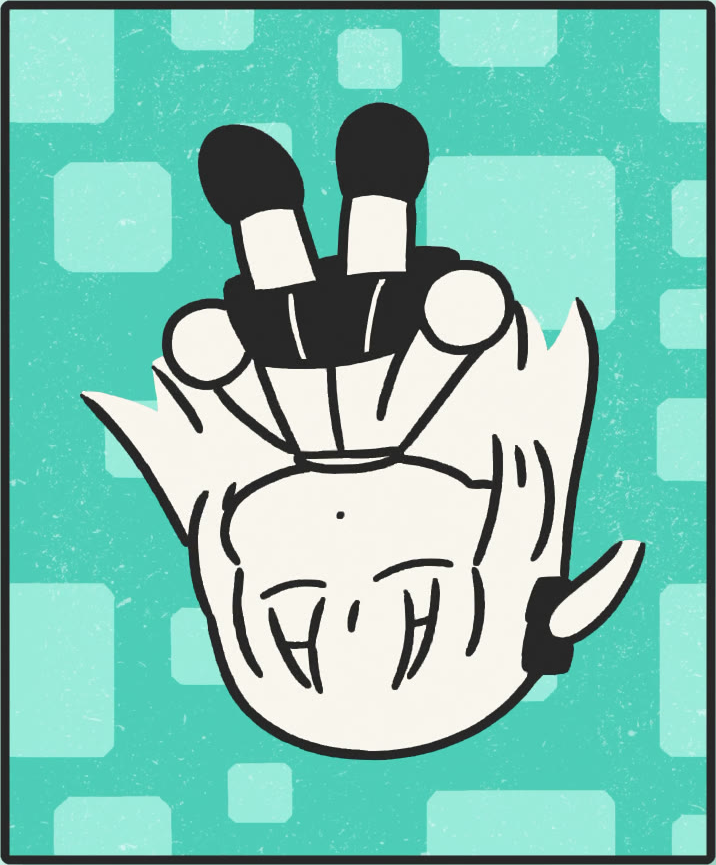
[x1:int,x2:int,y1:int,y2:int,(cw:int)]
Coordinate-based Cropping
- x1: Starting position on x-axis
- x2: Ending position on x-axis
- y1: Starting position on y-axis
- y2: Ending position on y-axis
- cw: Optional feather edge cropping value
[color:#FFFFFF,tolerance:int]
Color-based Cropping
- color: Hex color value to crop around
- tolerance: Adjust color matching accuracy
--grid Grid Creation
Sample Output:
!dl -e 6 -f 3425 --grid [blocks:7]
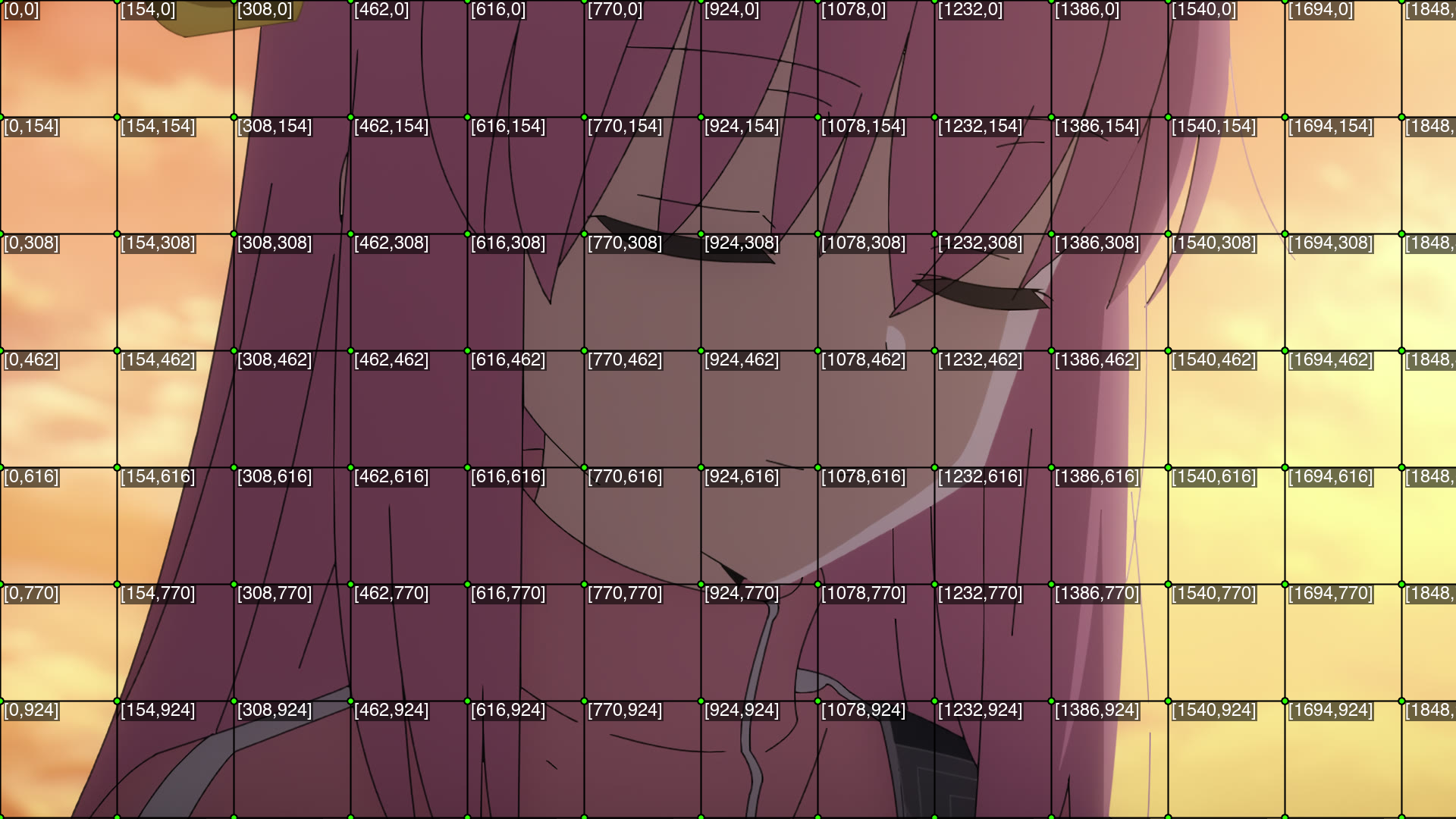
Create a grid layout with coordinates.
[blocks:int]
Number of blocks in the grid
--mirror Mirror Effect
Sample Output:
!dl -e 6 -f 3425 --mirror [offset:120]
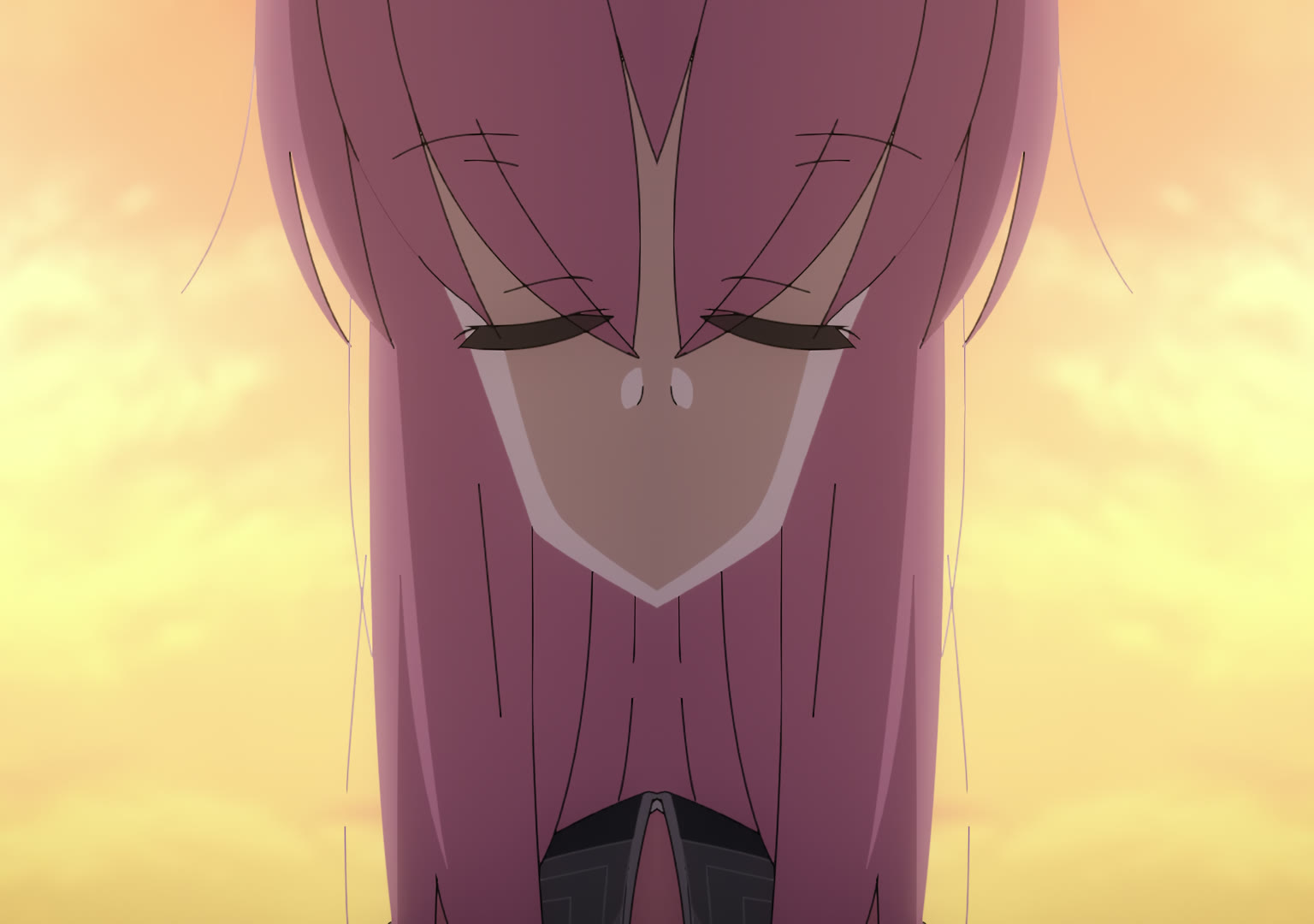
Apply a mirror effect with specified offset.
[offset:int]
Pixel offset for mirror effect
--warp Image Warping
Sample Output:
!dl -e 5 -f 1532 --warp [intensity:0.2]
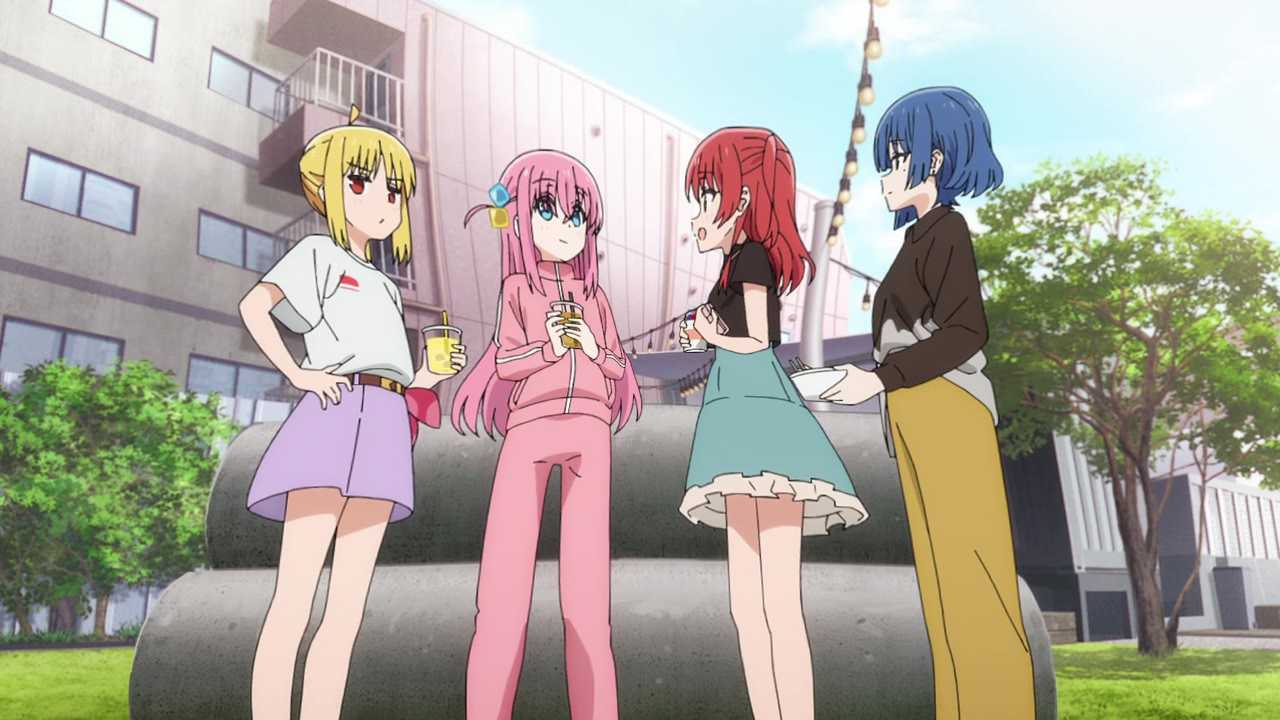
Apply a warping effect to the image.
[intensity:(-)float]
Warping intensity (decimal value), accepts negative value
-st | --sub-text Subtitle Text
Sample Output:
!dl -e 6 -f 1470 -st "Hello There!"
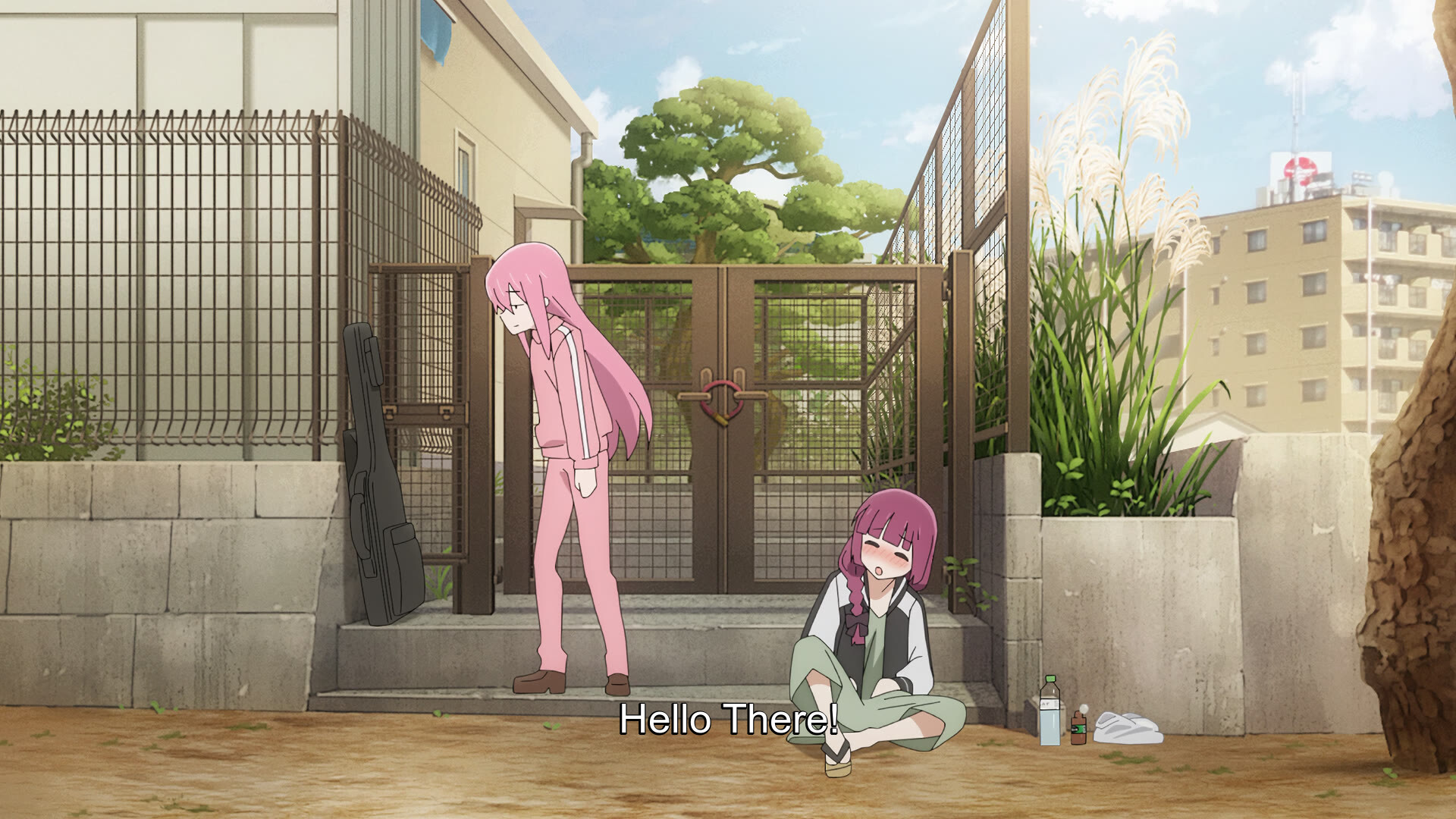
Adds Text to an image.
[str]
Supports text formatting with special entities
-
{n}: new-line character -
{q}: quotation character -
%bg:#FFFFFF%: specify color of background in hex -
%textsize:int%: size of text -
%textcolor:#FFFFFF%: specify color of text in hex -
%annotate:(+/-)x,(+/-)y%: annotate position of text with default south gravity hint -
%gravity:gvty%: see [gvty] for more -
%font:font%: available fonts (tdm, upr, fts, default) -
%strokewidth:float%: width of text stroke -
%strokecolor:#FFFFFF%: color of text stroke (Supports RGBA hex, #RRGGBBAA)
--blur Image Blur
Sample Output:
!dl -e 9 -f 3542 --blur [radius:4,sigma:6]
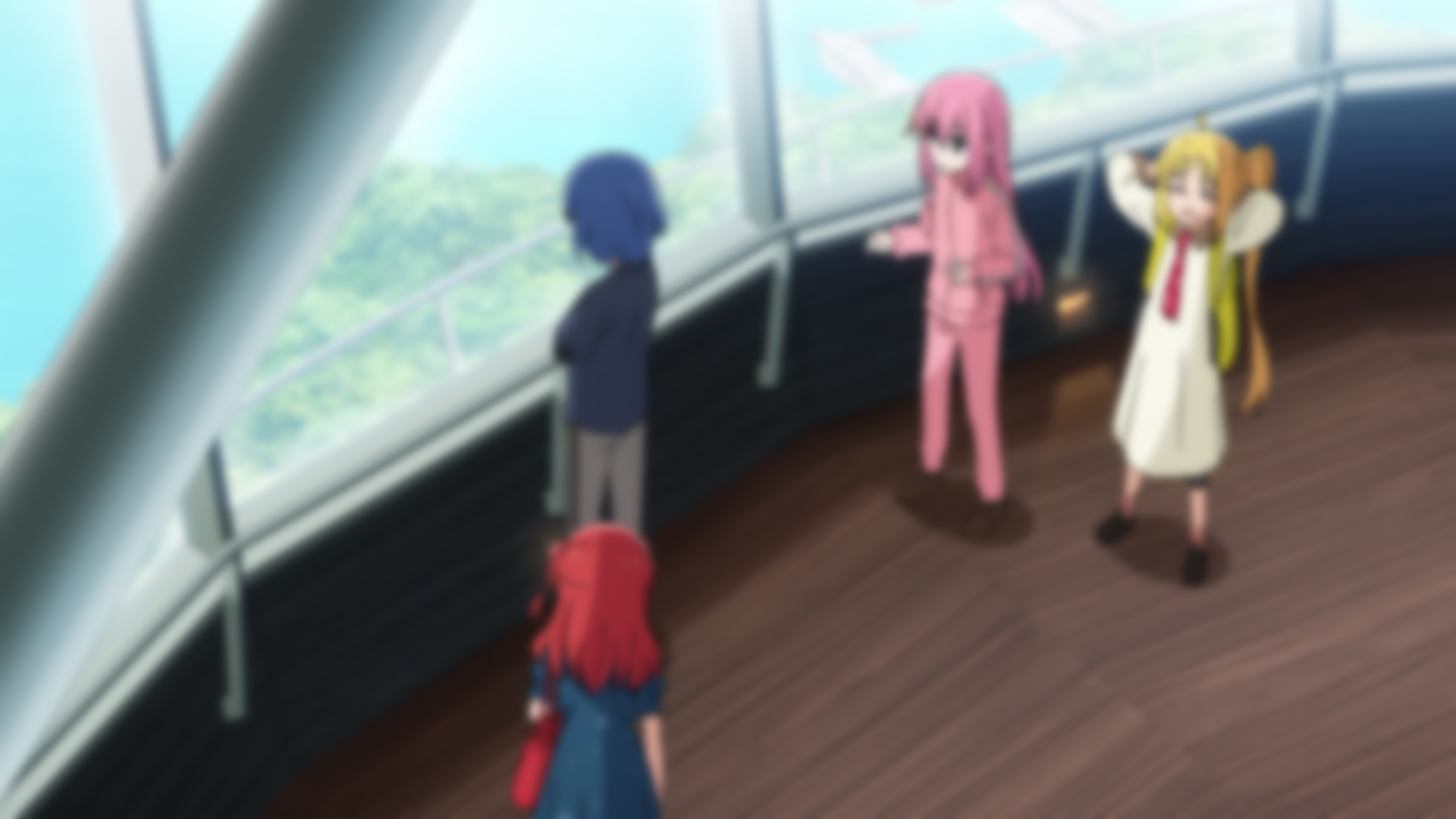
Apply a blur effect to the image.
[radius:float,sigma:float]
Blur intensity (decimal value)
--rblur Radial Blur
Sample Output:
!dl -e 7 -f 3544 --rblur [radius:4]
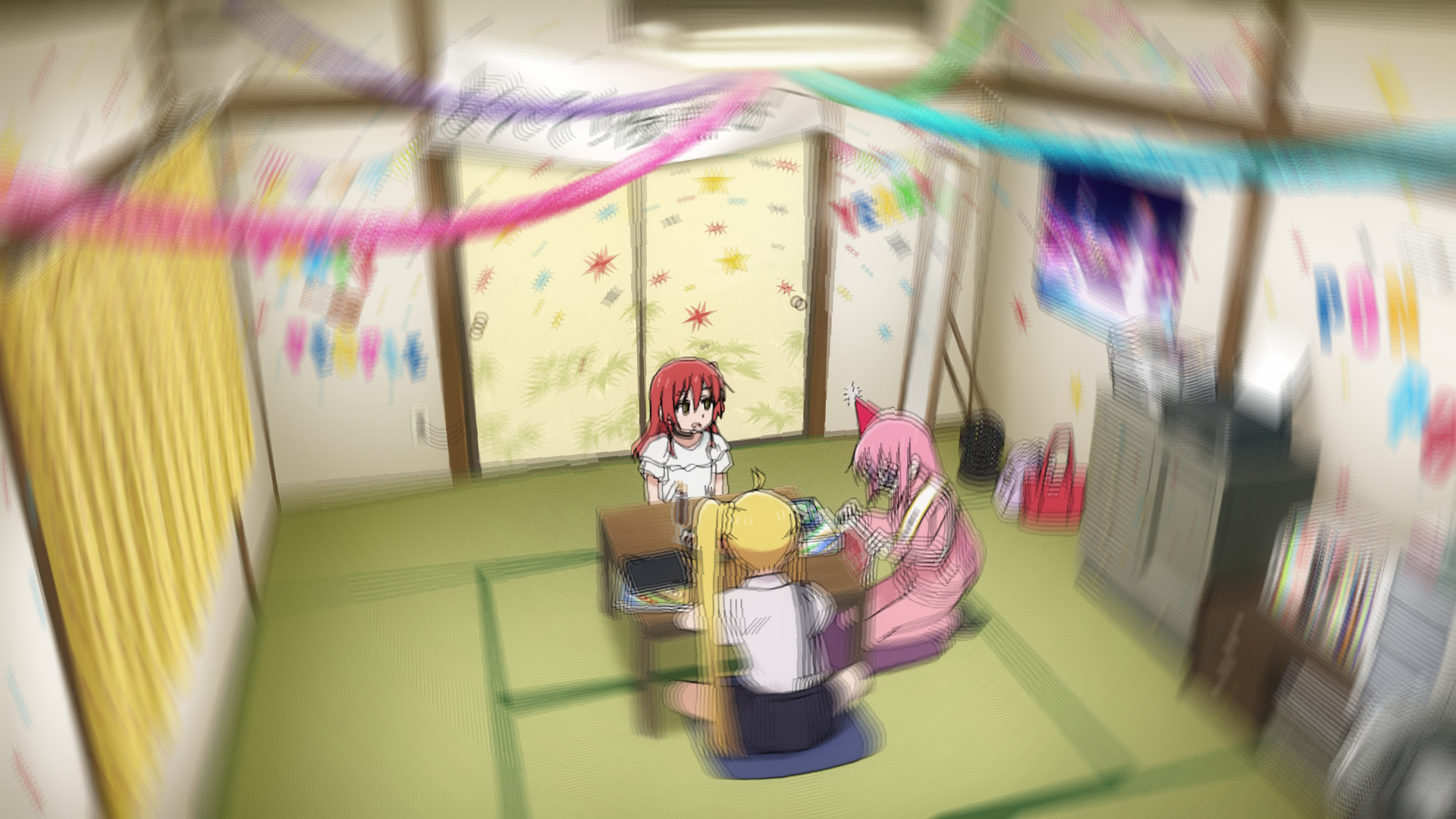
Apply a radial blur effect.
[radius:int]
Radius of the radial blur
--palette Color Palette
Sample Output:
!dl -e 8 -f 2573 --palette [colors:6]
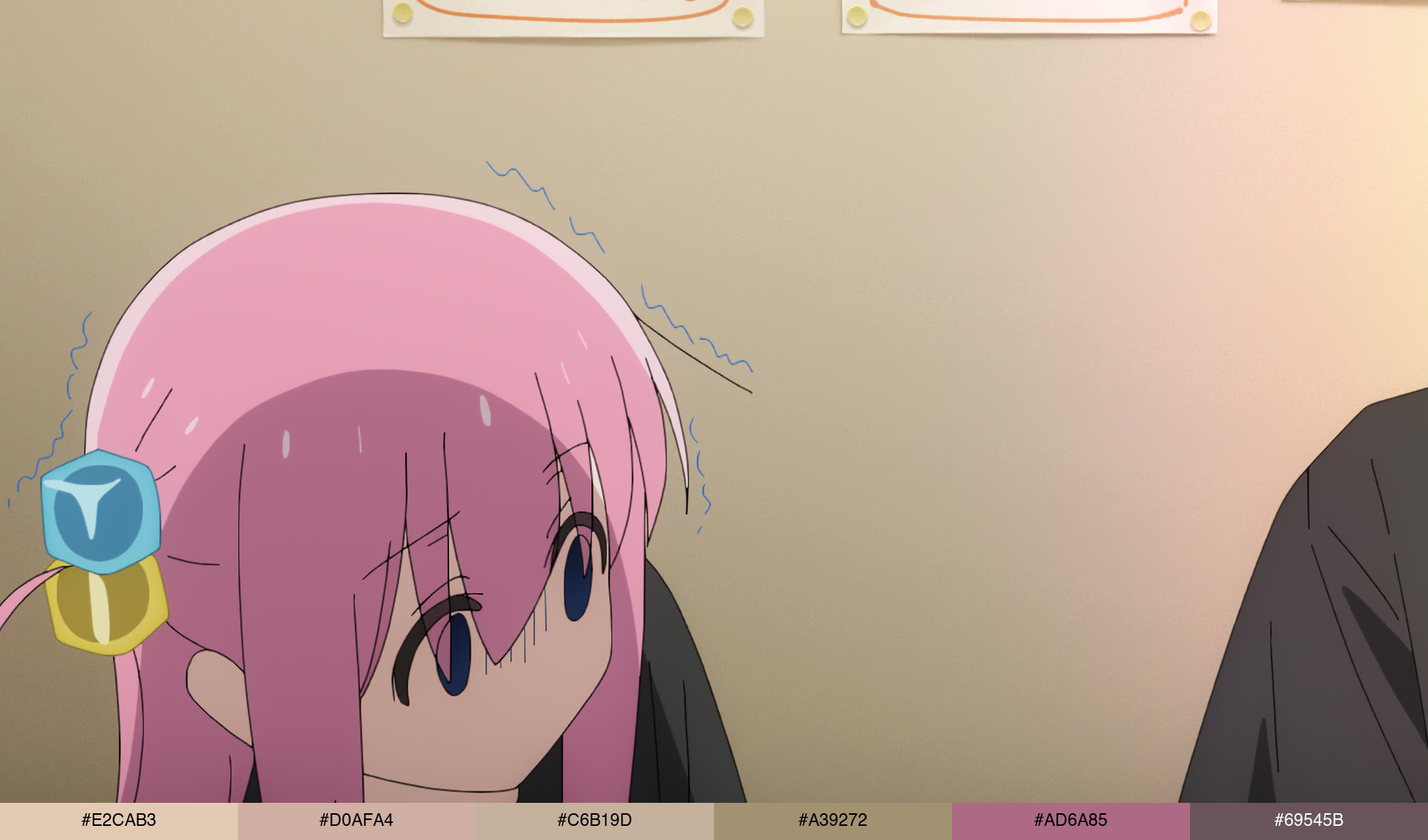
Generate a color palette from the image.
[colors:int]
Number of colors in the palette
--squish Squishes an Image
Sample Output:
!dl -e 11 -f 3572 --crop [x1:560,x2:1025,y1:0,y2:1080] --squish [percent:75]
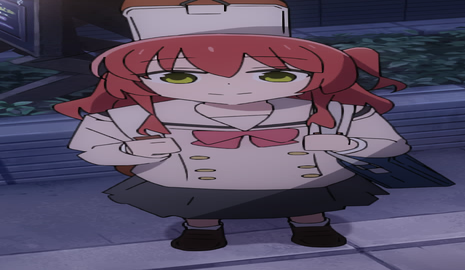
Squishes images to make it looks like deflated
[percent:int]
Percentage of the squishiness
--append Append an Image
It appends the image requested.
[filter:fltr]
See [fltr] input type, for more info.
--negative Negate Colors
Sample Output:
!dl -e 11 -f 3572 --negative
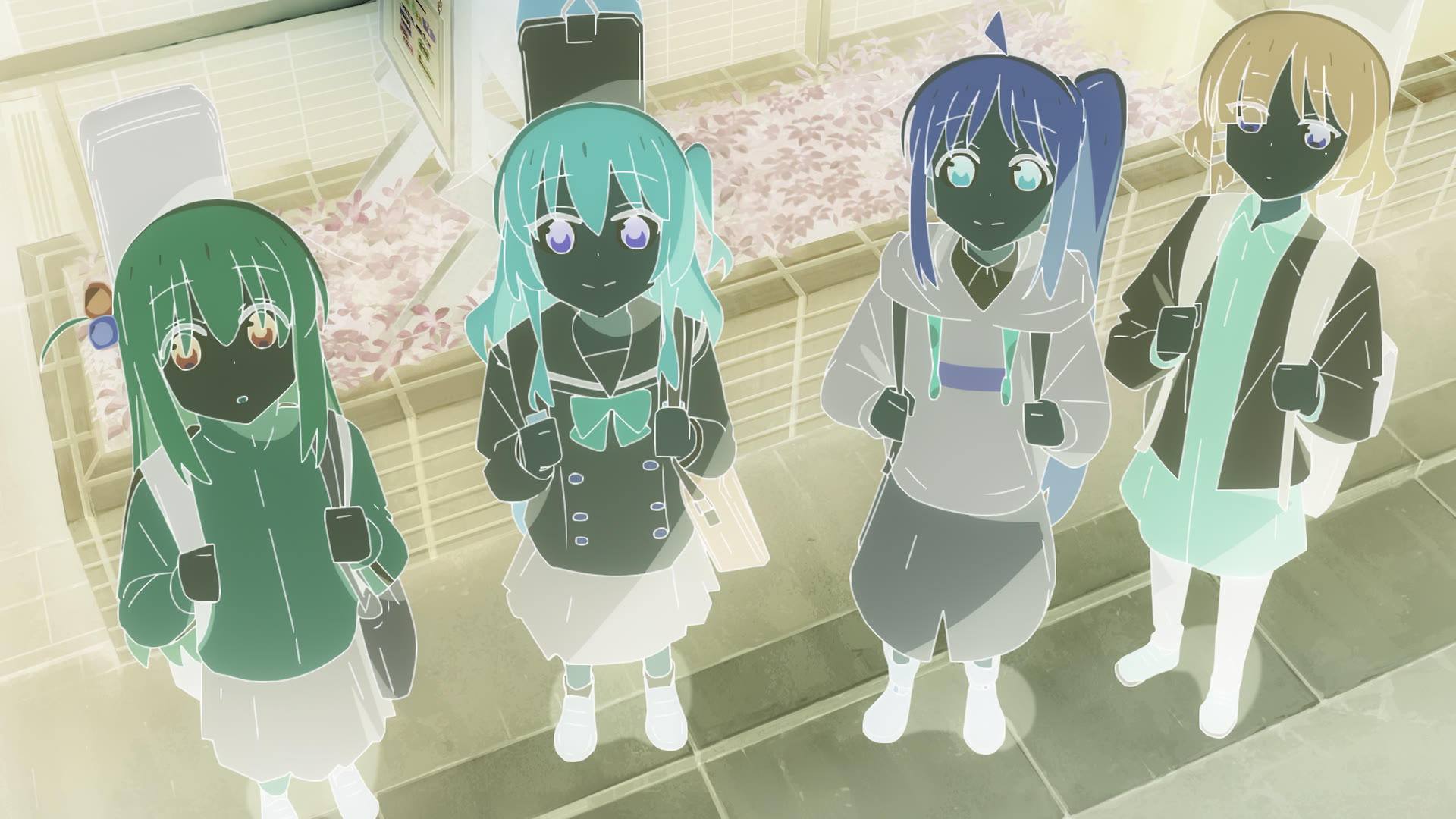
Negates all the color of an image.
--3dbox 3D Image Cube
Sample Output:
!dl -e 6 -f 1470 --3dbox [bgcol:#FFFFFF,delay:5]
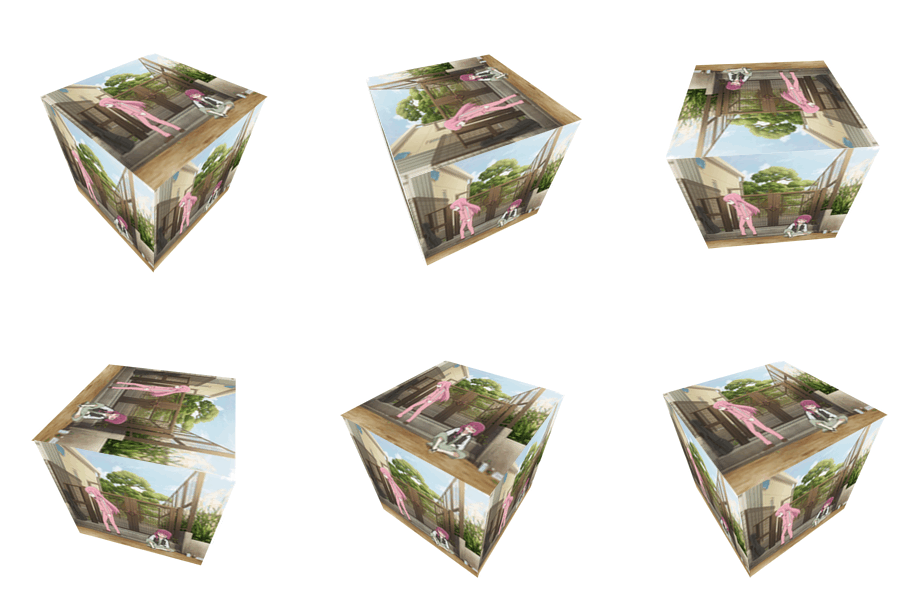
Generates Animated 3D cube. (Note: This is applied on post-processing of the image, means that the result of the filtered image is going to be the ones that is gonna be converted)
[bgcol:#FFFFFF,delay:int] (default: 10)
A variable that changes speed of the gif.
-h | --help Show Help
Shows the url that redirects to this Manual. When present, ignores all the arguments.
-up | --upload Upload image
Upload the image to the internet, to be downloadable image
--rembg Remove background
Removes the background of the image, main subjects are remained
-u | --upscale Upscale Image
Upscale the image by 2x to reduce noise and to widen the image.
--heart Heart Locket Gif
Creates a heart locket gif
[str]
Text or Caption for the gif
-q | --quiet Quiet Mode
Supress any message
Example Command
!dl -e 11 -f 3572 --crop [x1:560,x2:1025,y1:0,y2:1080] --squish [percent:75] -st "Wide kita%font:tdm%%textsize:26%%annotate:+0,+20%" --blur [radius:1,sigma:1] -up
Note: All filters are applied based on their order.
-
--crop [x1:560,x2:1025,y1:0,y2:1080]: crops the dimension -
--squish [percent:75]: squish the image by 75 percent -
-st "Wide kita%font:tdm%%textsize:26%%annotate:+0,+20%": Text of "Wide kita" that is annotated by 20 on y-axis, and applied with the font TDM -
--blur [radius:1,sigma:1]: blur the whole image with the radius of 1 and sigma of 1. -
-up: upload the image to imagebb to be downloadable